 Decorous
Interior AI
Interior AI, in your pocket
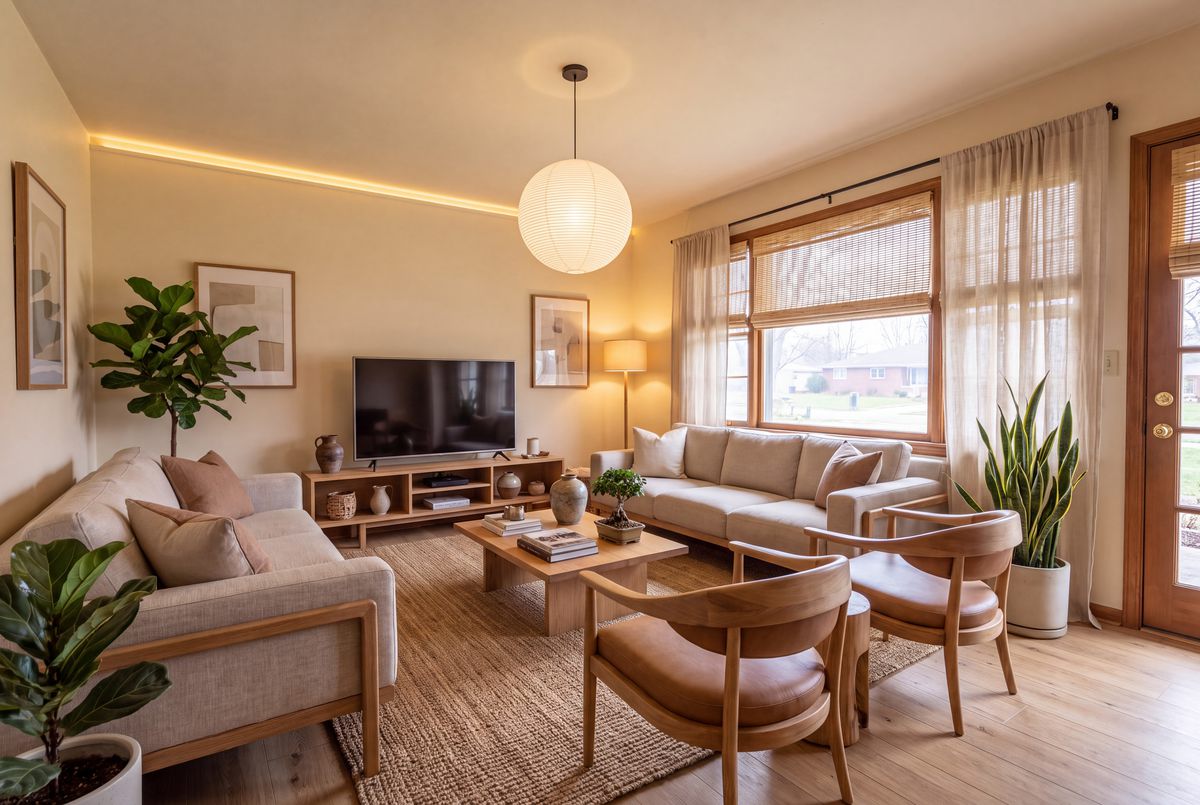
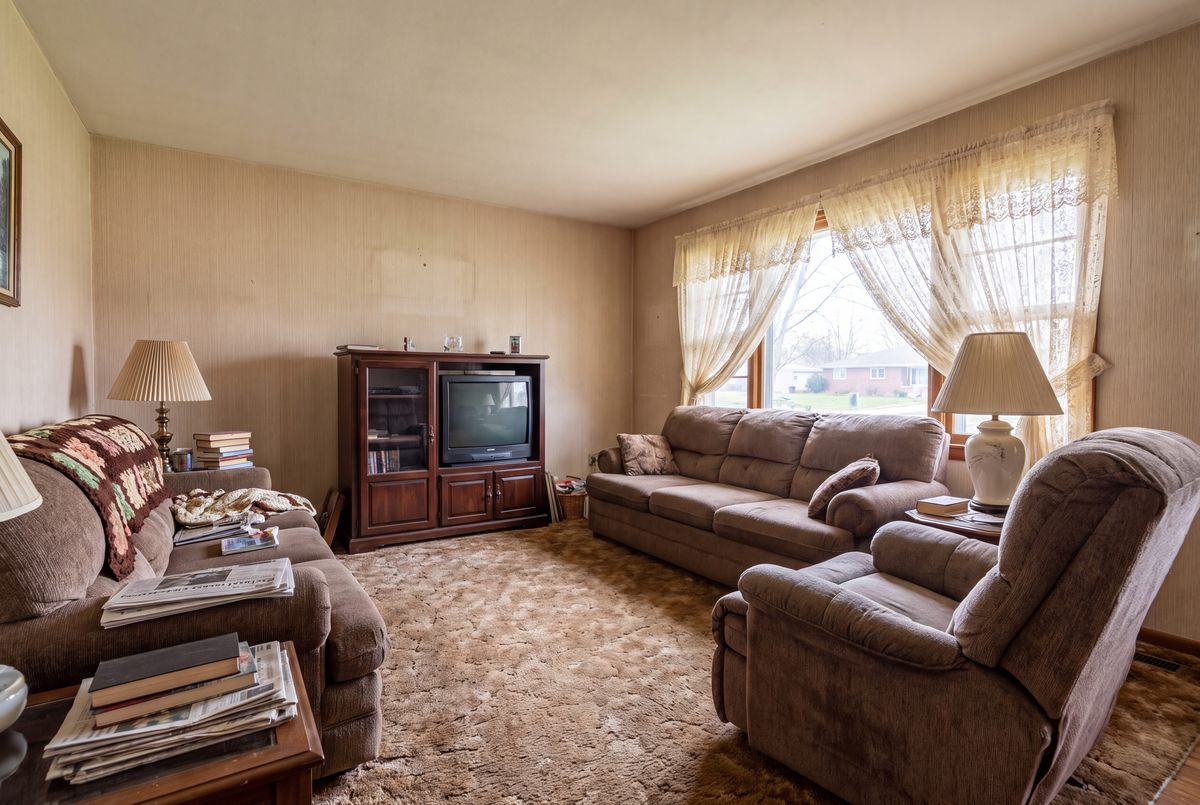
Interior AI tools take a photo of a room and show it redesigned, staged or cleared out. Decorous does that on your iPhone, where your room photos already are, and keeps the walls, windows and floor of the real room.
What interior AI is good for
Seeing a style on your room
A Pinterest board can't tell you whether Mid Century Modern suits your living room. A redesign of your own photo can. Redesign a room
Staging a listing
Furnish empty rooms in listing photos, with a "Virtually staged" label for the MLS. Virtual staging
Clearing a room
Take the furniture and clutter out of a photo to see the space underneath. Declutter
How to get a better result
Every interior AI tool works from the photo you give it, so the photo matters more than the settings.
- Shoot wideFrom a corner, phone level, with as much floor in frame as you can.
- Light itDaylight is best. A dark photo gives a dark, muddy result.
- Tell it the roomPick the room type, so a bedroom gets a bed and a kitchen keeps its cabinets.
Then try more than one style, and fix small things with a typed edit instead of starting over.
Guides and articles
- What is virtual staging?How it works, what it costs and the MLS disclosure rules.
- Interior design and artificial intelligenceWhat AI does well for a room, and where it still falls short.
- Interior AI alternativesWhat to look for in an AI room design tool.
- Building an AI interior design appHow Decorous started, from the founder.