 Decorous
Remove furniture from a photo of your room
Take or pick a photo of a furnished room and Decorous clears it out: furniture, boxes, toys, clothes and clutter. The walls, windows, doors and floor stay where they are, so you see the empty room as it really is.
Free to download for iPhone and iPad.
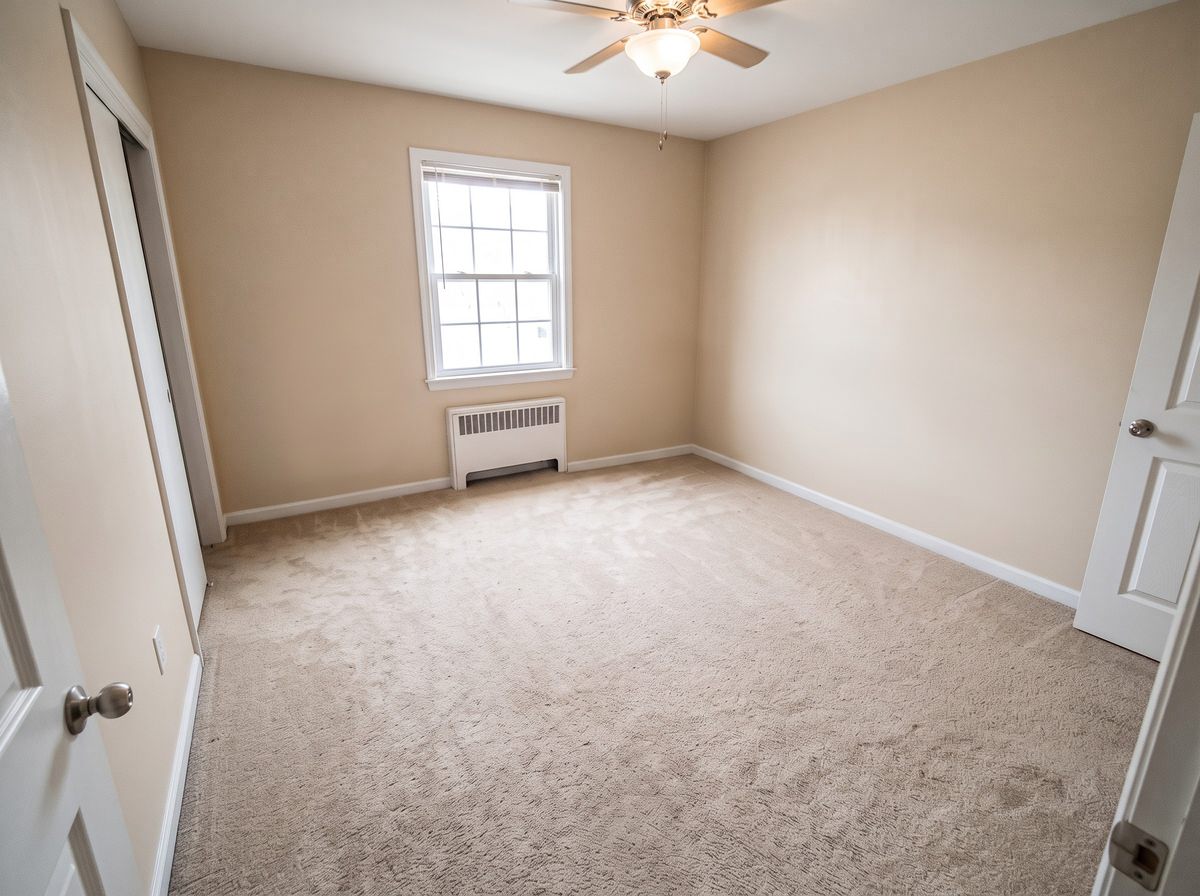
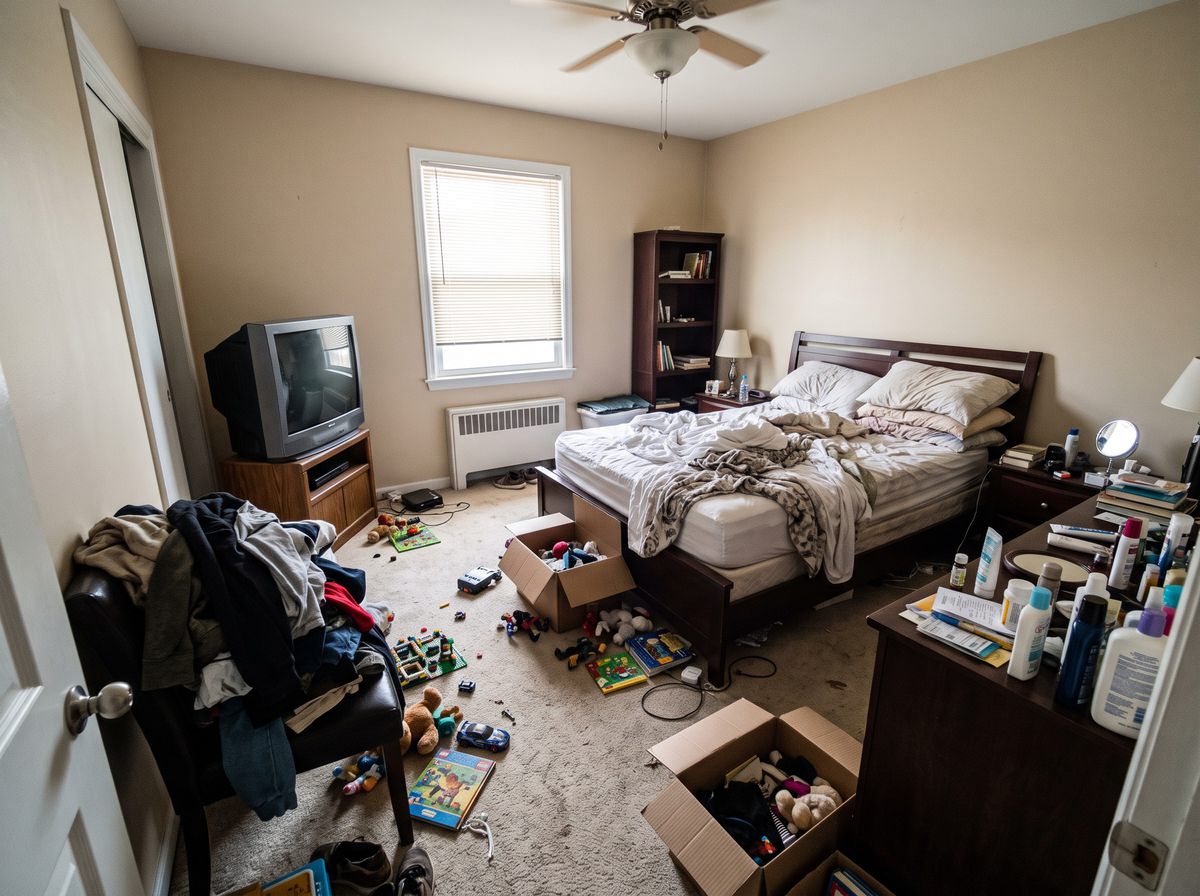
Who it's for
Agents with an occupied listing
The seller still lives there and the photos are due. Clear the room in the photo so buyers judge the space, not the seller's things, then stage it in a neutral style if you want.
Sellers and landlords
See what a room looks like empty before you move out, or show a rental without the current tenant's stuff in it.
Anyone planning a room
Start from a blank room before you buy furniture, then redesign it in a new style.
Before a move
Check how big a room really is once the clutter's gone.
Another example
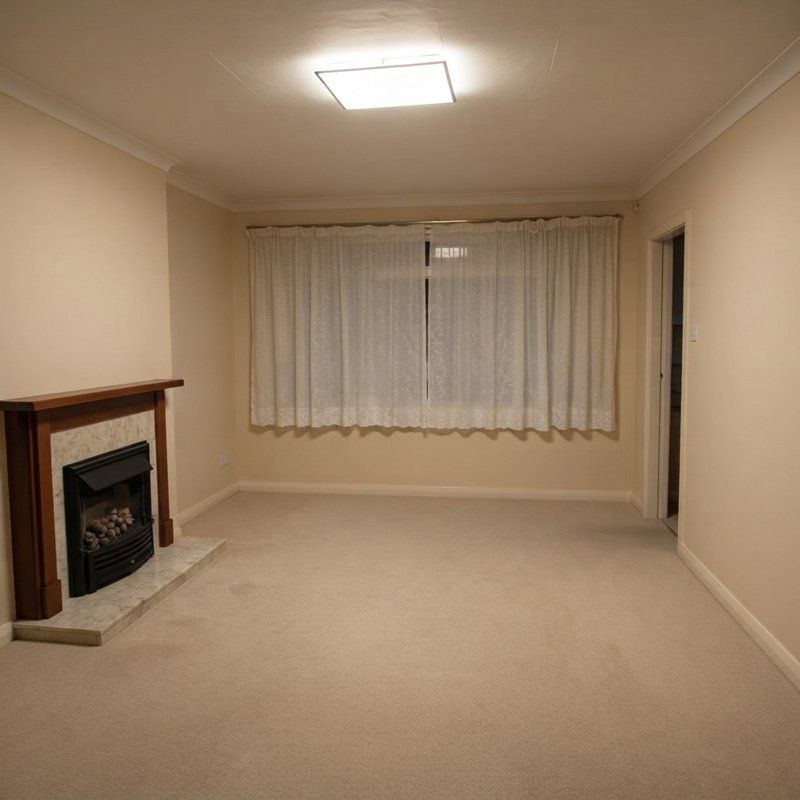
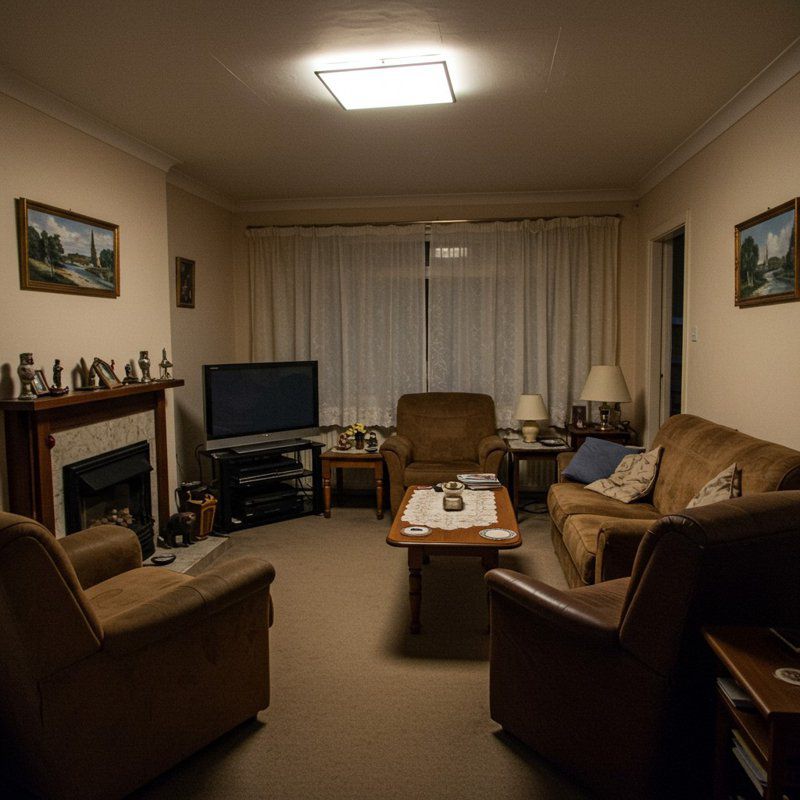
Declutter keeps the parts of the house: walls, windows, doors, ceiling, floors, trim, built-in cabinets and fixed lighting. It takes out what can be carried out: furniture, rugs, decor, boxes and personal things, and fills in the floor and walls that were hidden behind them.
How to remove furniture from a photo
- Pick DeclutterOn the Design tab, tap Declutter.
- Add the photoUse the camera or your library. Wider shots from a corner work best.
- Save or keep goingSave the empty room, add a "Digitally edited" label for a listing, or stage it with new furniture.
Removing just one thing
To take out a single object rather than everything, use a typed edit. On a result, type "remove the TV", "remove the curtains" or "take the boxes off the floor", and only that changes. You can undo the edit if it isn't right.
For listings: label it
Many MLSs treat a photo with furniture removed as digitally edited, and ask you to say so. Turn on the label and Decorous adds a small "Digitally edited" tag to the corner of decluttered photos you save or share. The rules are in our guide to virtual staging and MLS disclosure.
Questions
Can it remove everything, or just some things?
Declutter clears the whole room: furniture, rugs, decor, clutter and personal things. To remove just one thing, use a typed edit on the result or on a redesign instead, like "remove the TV" or "remove the curtains".
What stays in the photo?
The parts of the house: walls, windows, doors, ceiling, floors, trim, built-in cabinets and fixed lighting, from the same camera position. The floor and walls that were hidden behind furniture are filled in to match.
Can I stage the room after decluttering it?
Yes. Save the decluttered photo, then open it in Virtual staging and pick a room type and style. Many agents do both: clear the seller's furniture, then stage it in a neutral style.
Do I have to label a decluttered listing photo?
Many MLSs treat removing furniture as a digital edit that needs disclosing, the same as staging. Decorous can add a small "Digitally edited" label to decluttered photos you save or share.