 Decorous
Virtual staging on your iPhone, from one photo
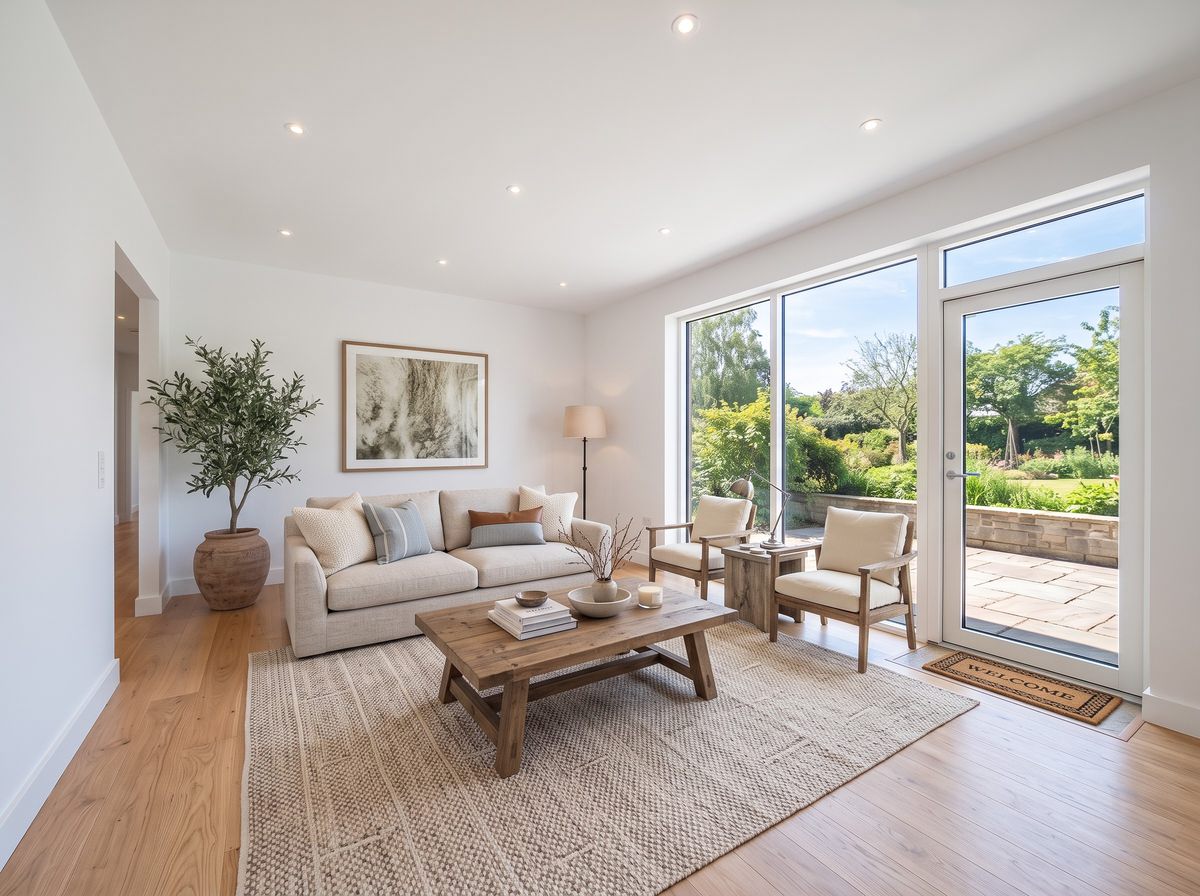
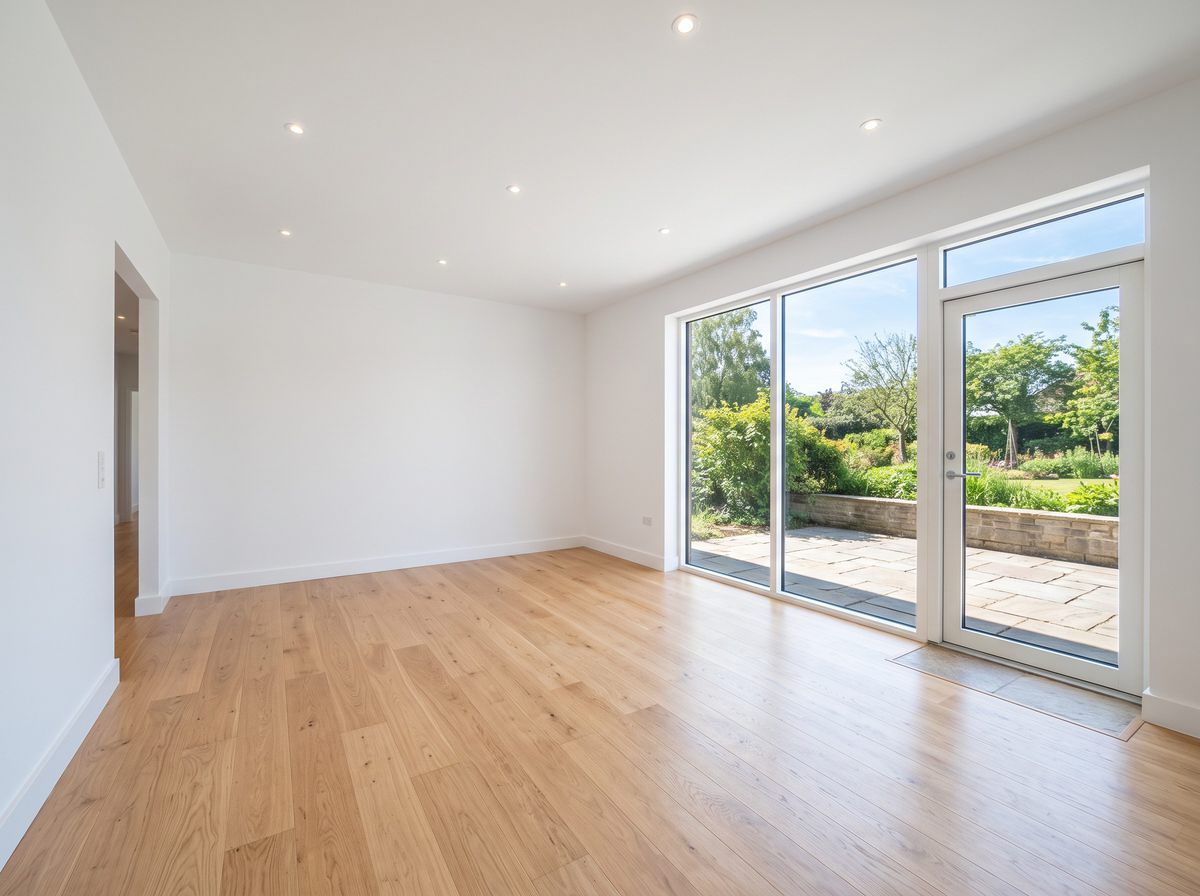
Take a photo of an empty room, pick the room type and a style, and Decorous furnishes it the way a home stager would. The walls, windows, floors and camera angle stay exactly as they are, so the listing still shows the real home.
Free to download. No account, no order form, no waiting a day for a staging company.
Why stage on a phone
Empty rooms photograph badly. Buyers can't tell how big a bedroom is without a bed in it, and a bare living room looks cold online. Physical staging fixes that but takes days and a truck. Staging companies do it digitally, but you upload photos, wait, and pay per image.
Decorous does it where the photo already is: on the phone you shot it with. You can stage a room during the walkthrough, show the seller on the spot, and try three styles before you leave the driveway.
What you get
The room type you pick
Living room, bedroom, kitchen, dining room, bathroom, home office, dorm room or entryway, plus commercial rooms like a lobby or meeting room. An empty bedroom gets a bed and nightstands, not a sectional.
Styles buyers like
Modern Farmhouse, Scandinavian, Mid Century Modern, Contemporary, Minimalist, Traditional and more. Neutral styles are the safe pick for listings.
The real room, kept
Decorous is told to keep walls, windows, doors, floors and the camera position as they are, and only add furniture and decor. Nothing about the property itself should change.
Your photo's shape
A landscape listing photo comes back landscape, framed exactly like the original, ready to save or share.
Disclosure label
Turn on the label and every photo you save or share gets a small "Virtually staged" tag in the corner, for MLSs that require it.
Typed edits
Don't like the rug? Type "swap the rug for a lighter one" or "remove the plant", and only that changes.
Staging a room, step by step
- Shoot the room emptyStand in a corner, hold the phone level at chest height, and get as much of the floor in as you can. Daylight helps.
- Pick room type and styleTap Virtual staging, add the photo, then choose what the room is and how it should look.
- Save with the labelCheck the result against the photo, then save or share it with the "Virtually staged" label on.
Furnished room? Clear it first
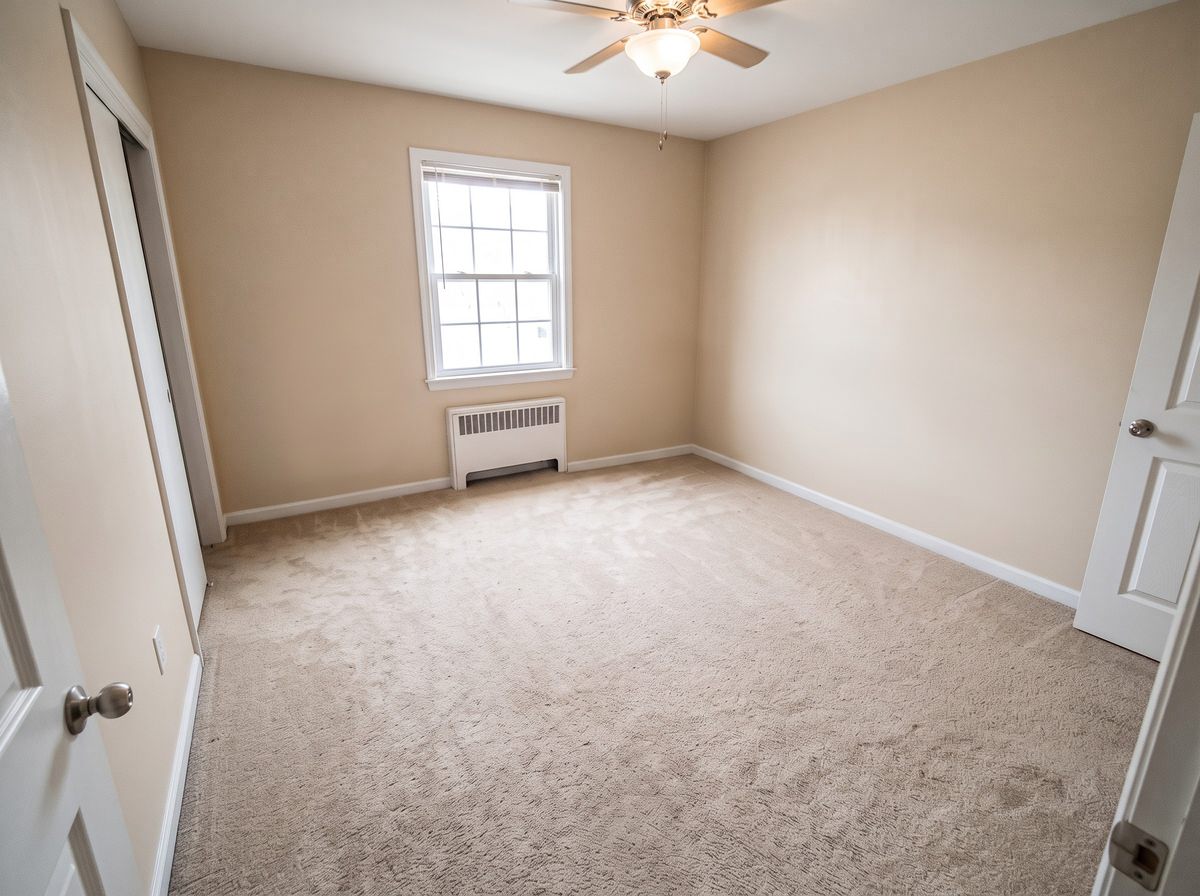
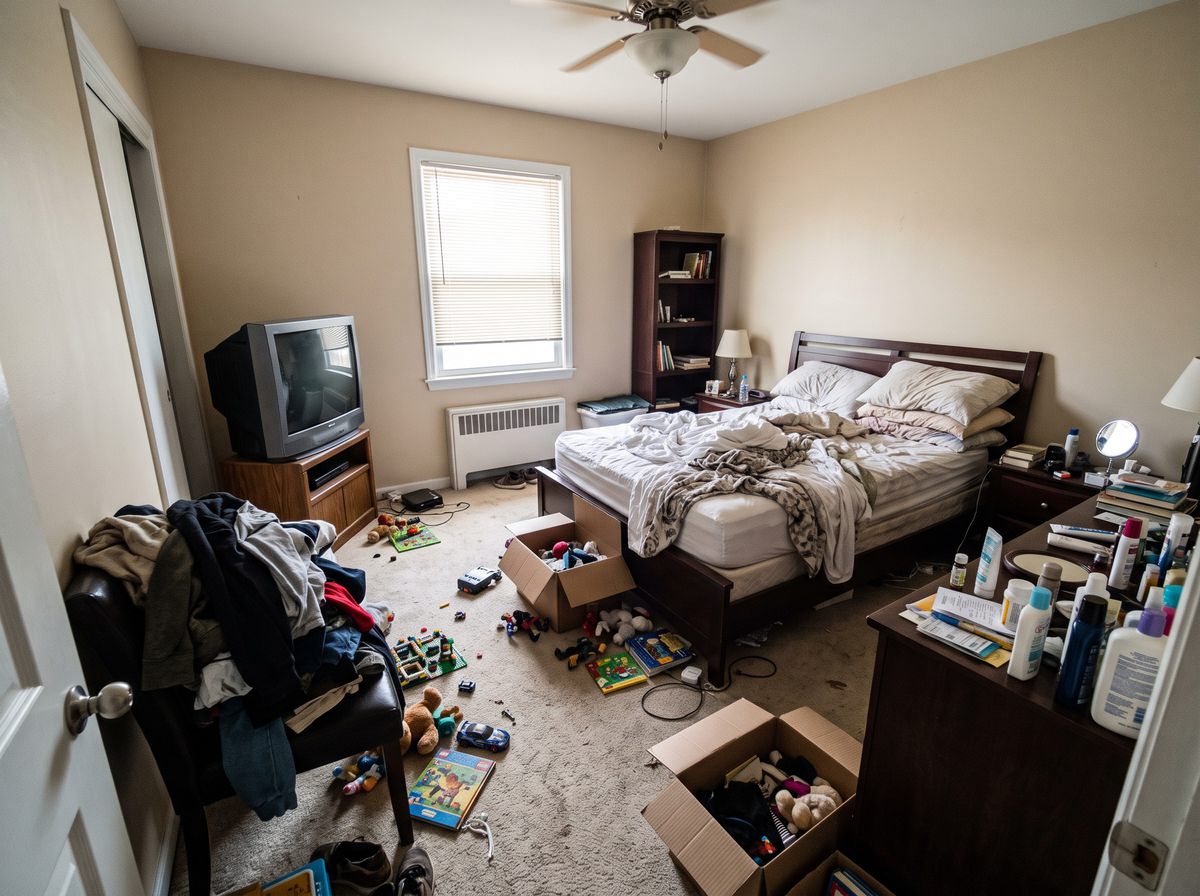
Staging works best on an empty room. If the seller still lives there, run Declutter to clear the furniture out of the photo, then stage the empty result in a neutral style.
Use it honestly
Virtual staging is allowed on listings, but it has to show the real property. Don't use it, or a typed edit, to hide damage, change the view or add features the house doesn't have. Most MLSs require a note that a photo is virtually staged, and many want the empty photo included too. Our guide covers what virtual staging is, what it costs, and the disclosure rules.
Questions
Is Decorous a free virtual staging app?
It's free to download, and you can stage your own photos with it right away. There's no account to make and no per-photo order form.
Which rooms can I stage?
Living rooms, bedrooms, kitchens, dining rooms, bathrooms, home offices, dorm rooms, entryways, and commercial spaces like a restaurant, lobby or meeting room. You choose the room type before you stage, so an empty bedroom gets a bed, not a sofa.
Do I have to disclose virtual staging?
In most places, yes. Many MLSs require a note on virtually staged photos, and some also want the unstaged photo in the listing. Decorous can add a "Virtually staged" label to each photo you save or share. Check your own MLS's rules; they differ. More in what is virtual staging.
Does it work on rooms that still have furniture?
Use Declutter first to clear the room, then stage the empty result. Virtual staging works best on a photo of an empty room.