 Decorous
Stage, declutter and redesign a room from one photo
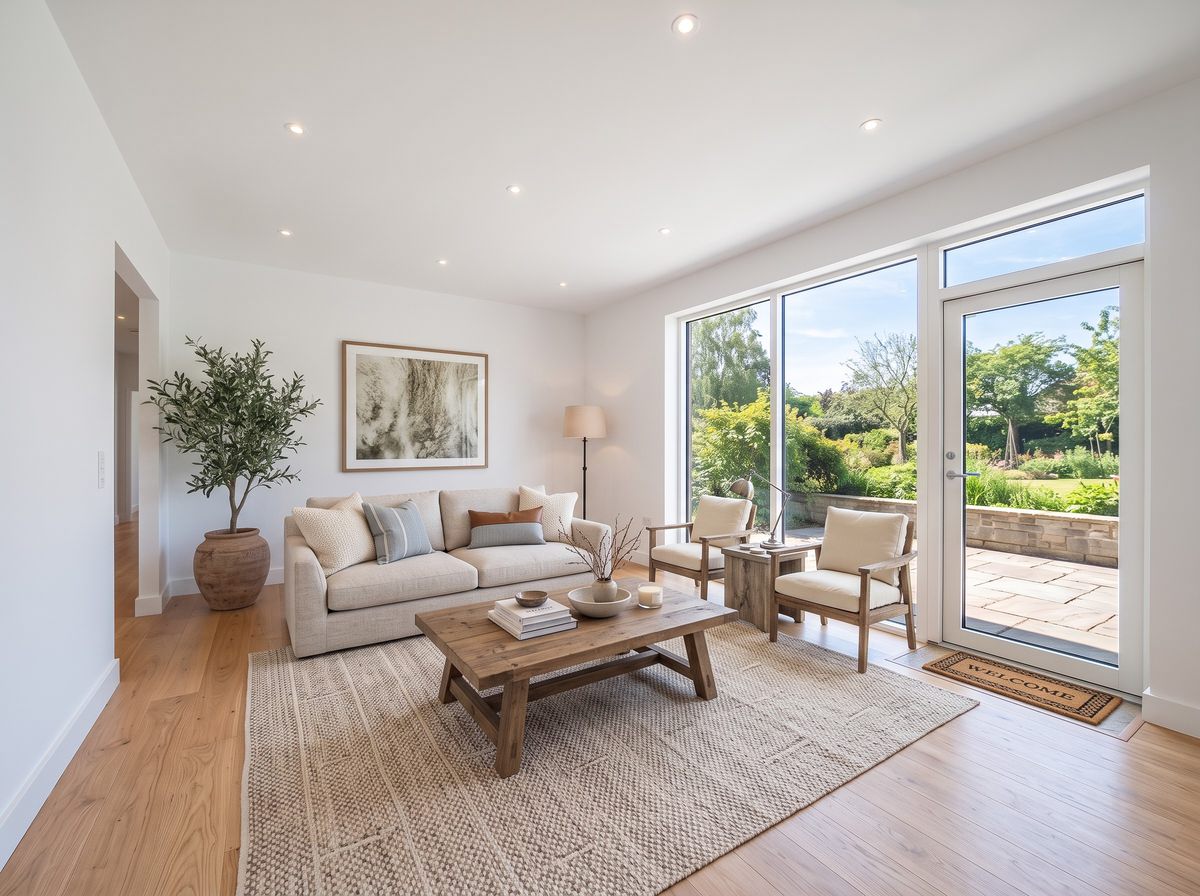
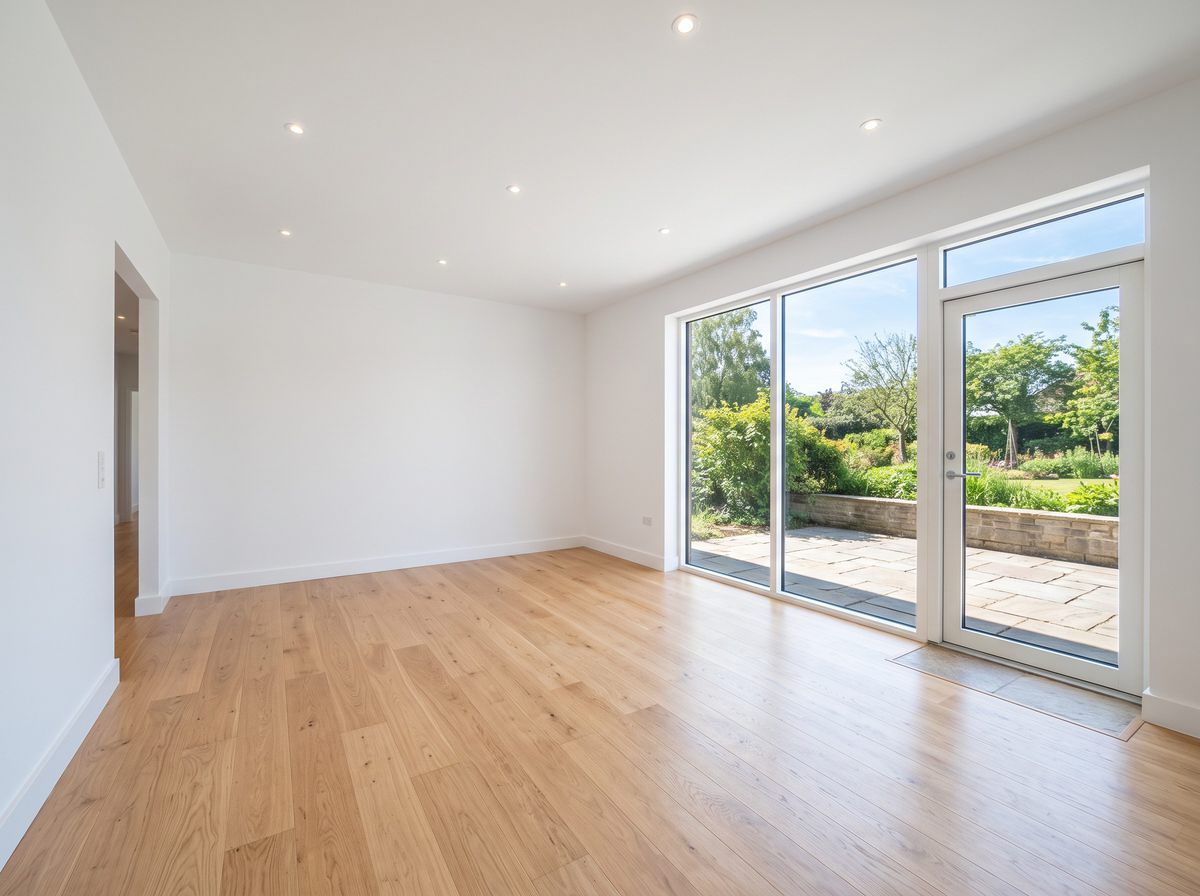
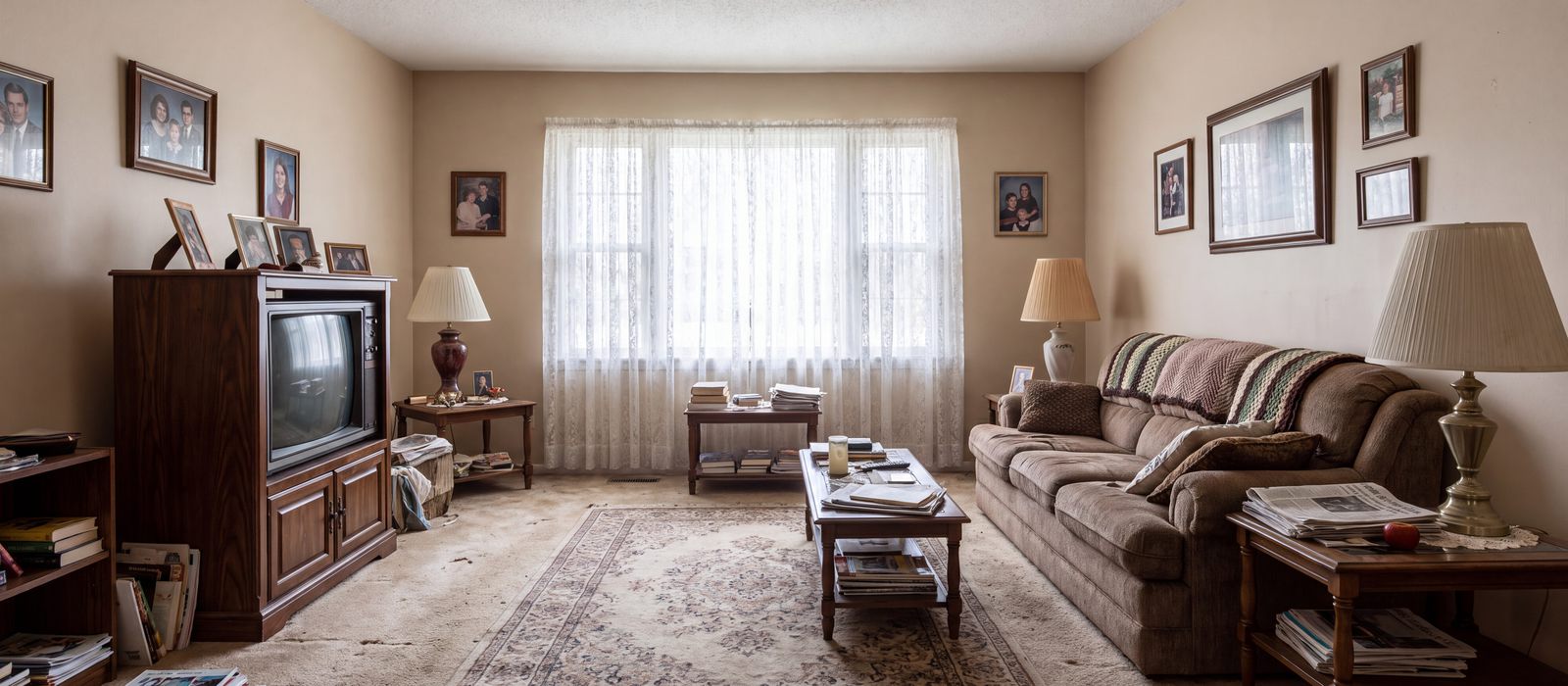
Decorous furnishes empty listing photos, clears out clutter and shows your own room in a new style. The walls, windows, floors and camera angle stay as they are, so the photo still shows the real home.
Free to download. Works on iPhone and iPad.
Six jobs, one photo
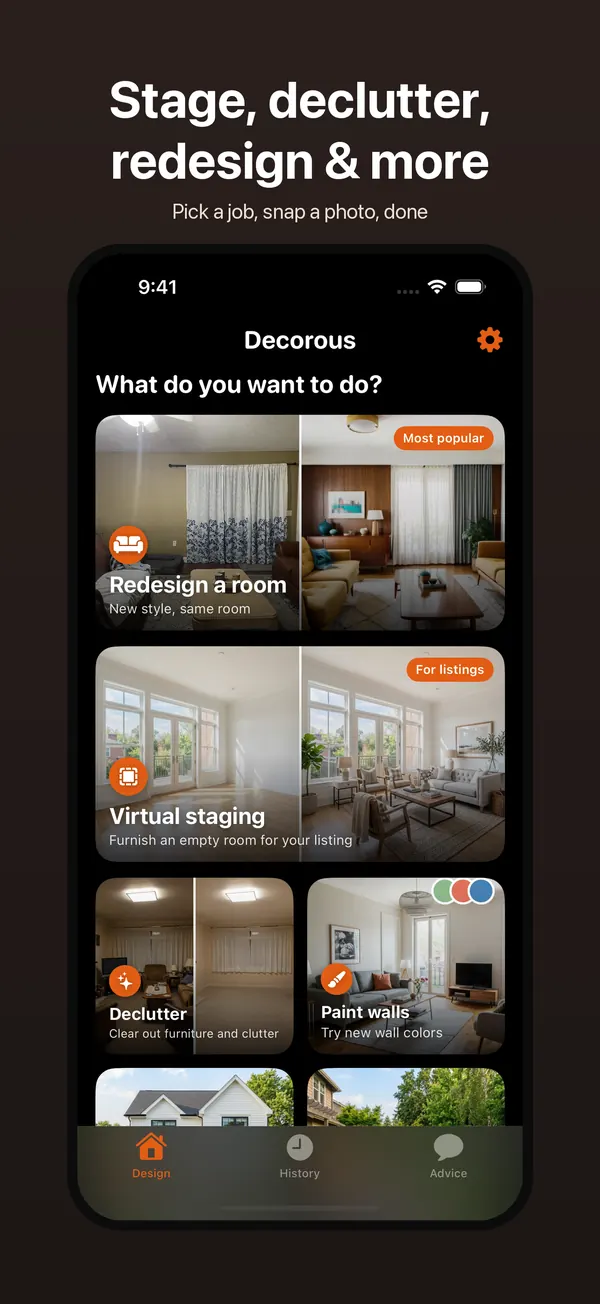
Open the app, pick what you want to do, and add a photo from your camera or library.
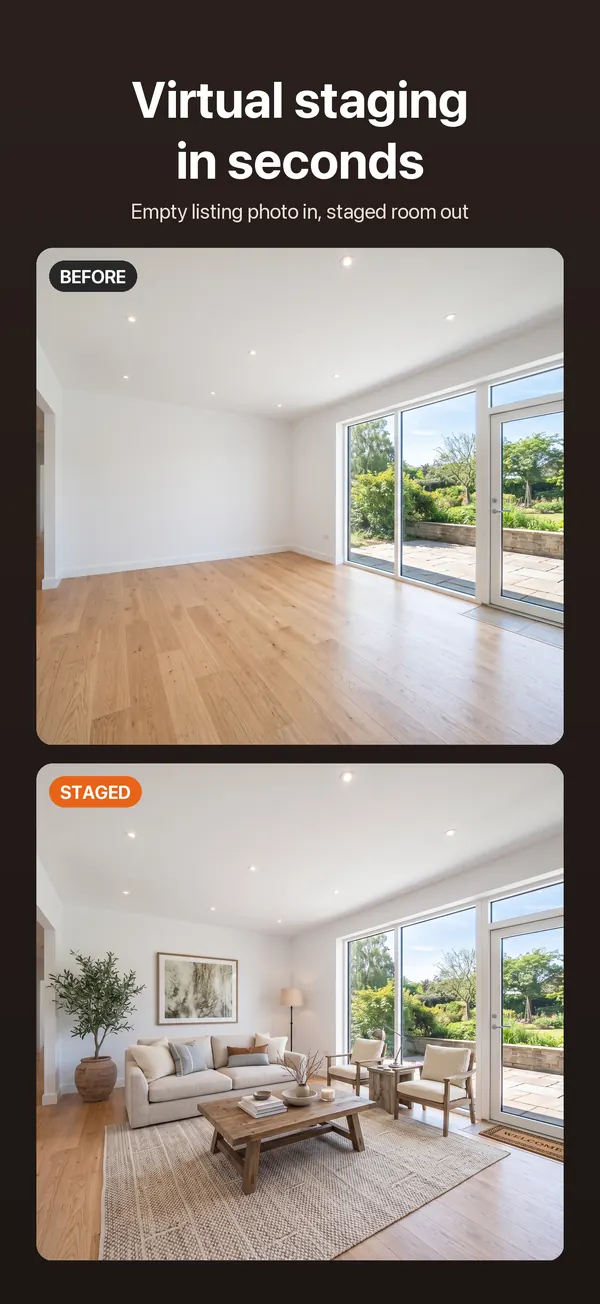
Virtual staging
Furnish an empty room for a listing. Pick the room type (living room, bedroom, kitchen and more) and a style, and the room comes back furnished. How staging works
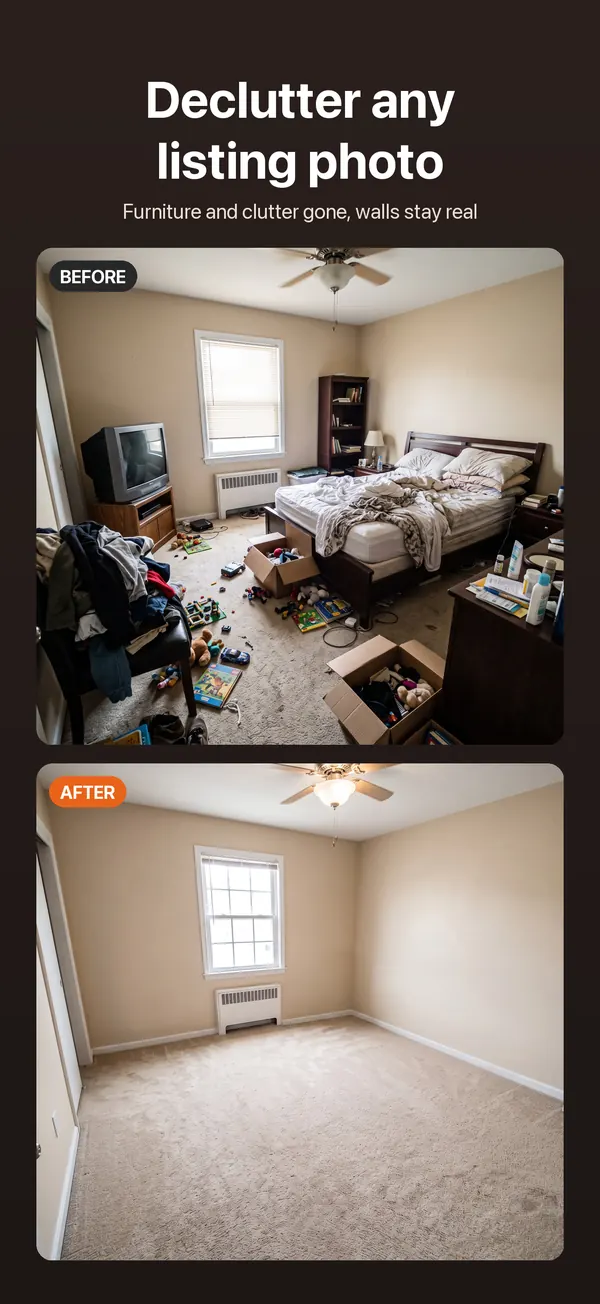
Declutter
Clear furniture, boxes and clutter out of a lived-in room, so buyers see the space and not the stuff. Remove furniture from a photo
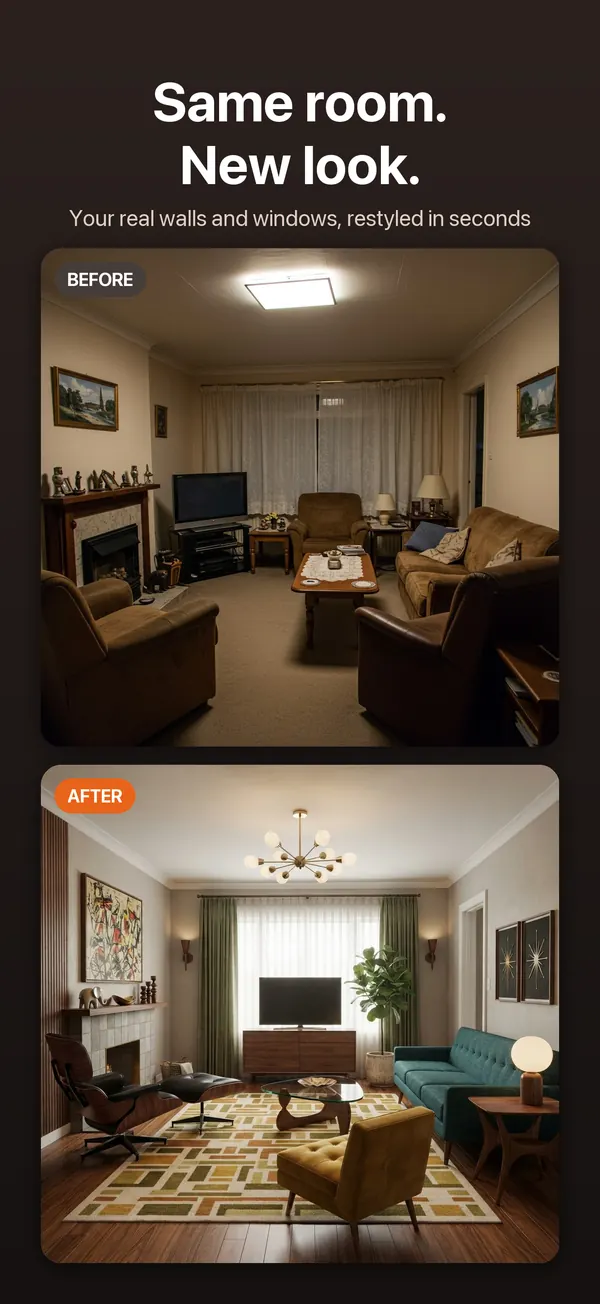
Redesign a room
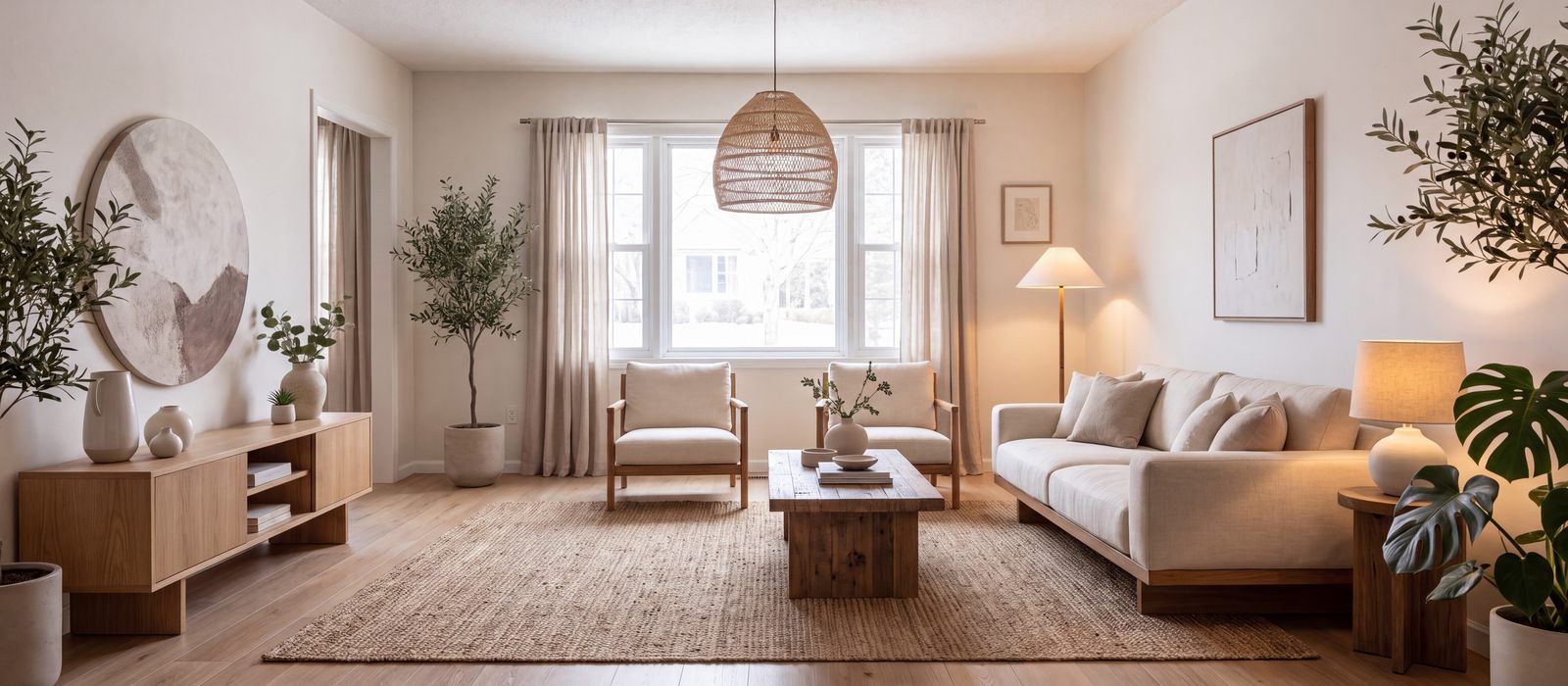
See your living room, bedroom, kitchen or office in 19 styles. Keep your layout for a refresh, or let it start over. AI interior design
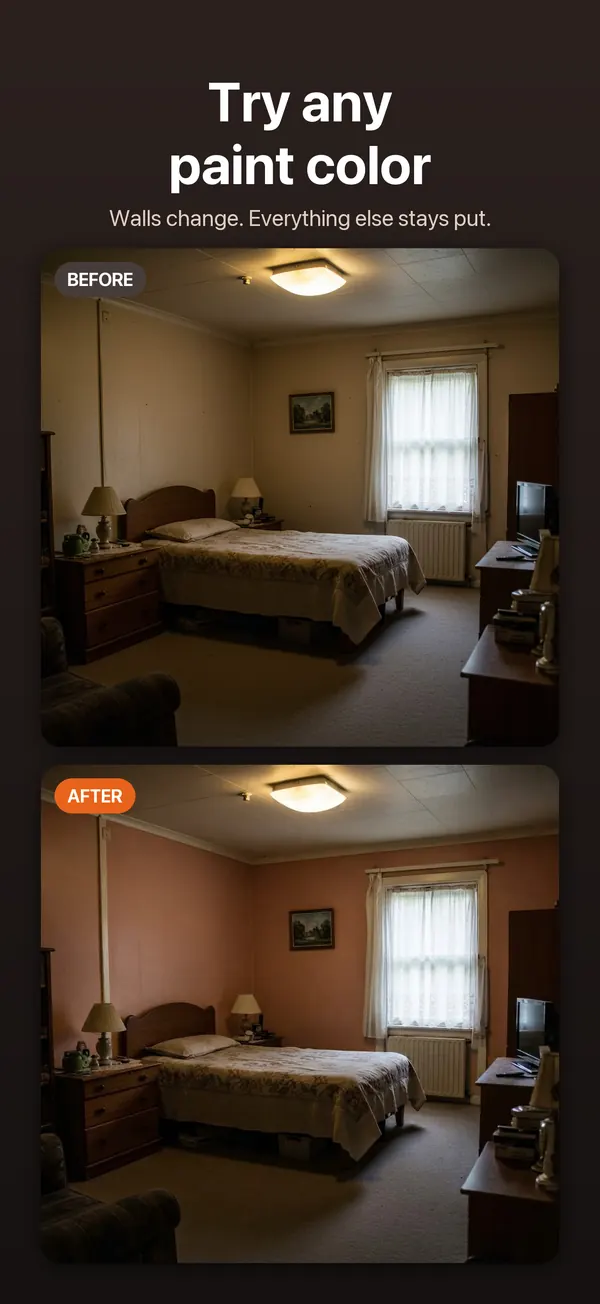
Paint walls
Try a new wall color without touching anything else in the room.
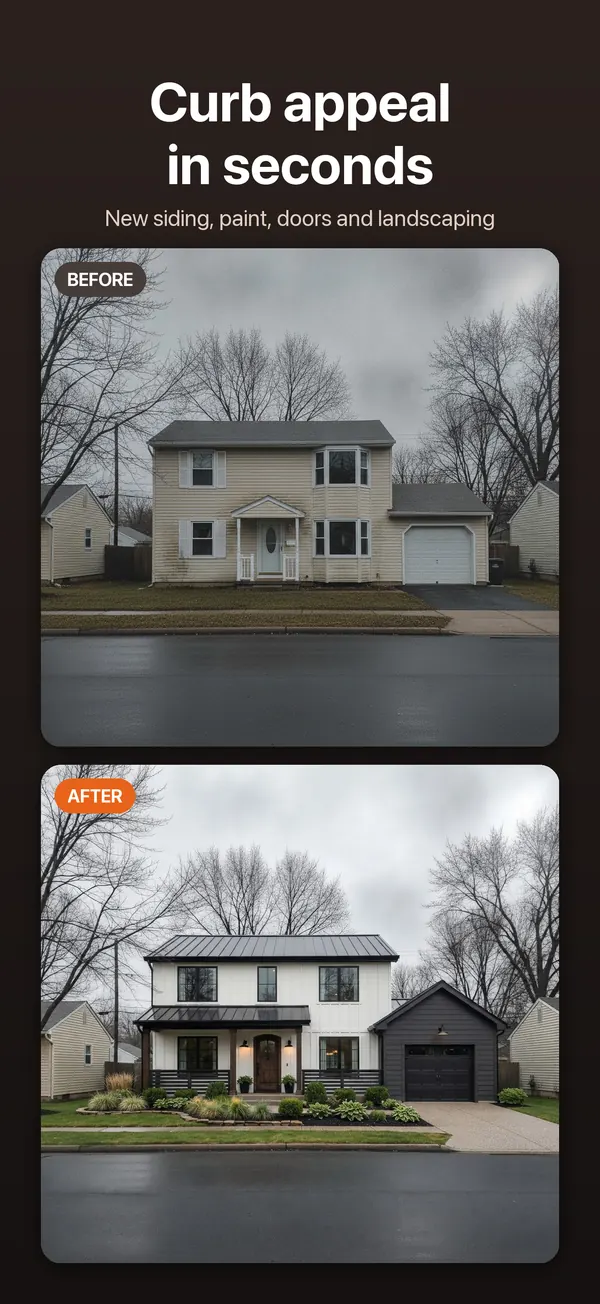
Curb appeal
New siding, paint, doors and landscaping on a photo of the front of your house.
Backyard
Turn a bare yard into a garden, in styles from Japanese Zen to Desert.
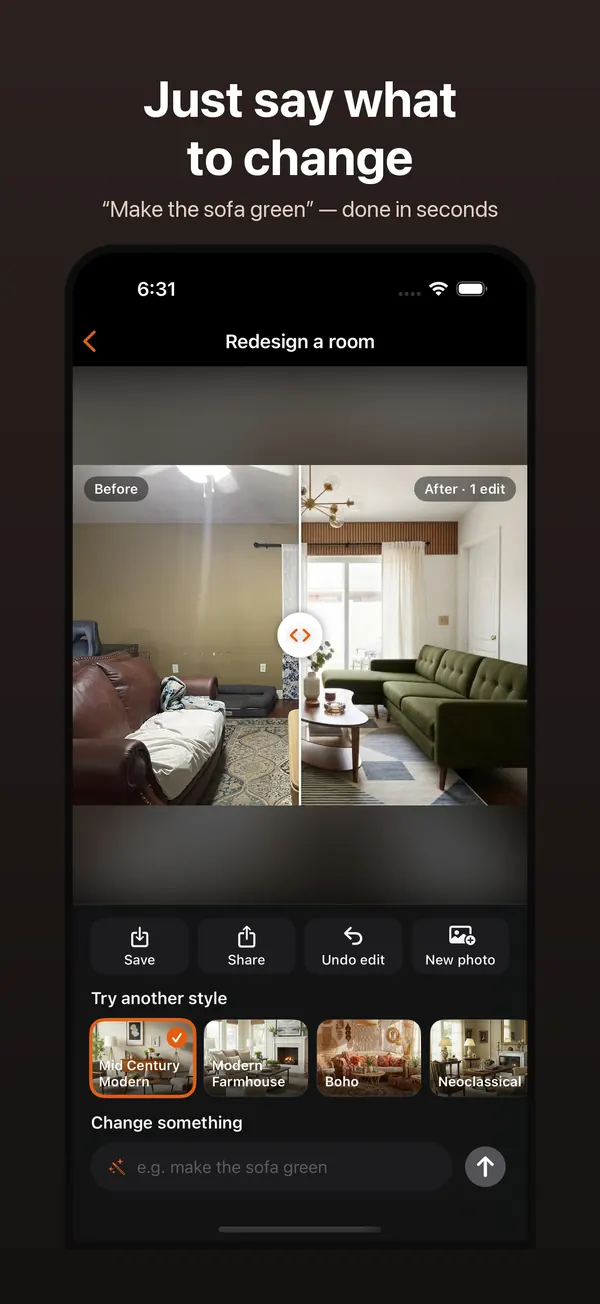
Just say what to change
Under every result there's a box for typed edits. Type "add a large plant", "remove the curtains" or "make the sofa green", and only that changes. Undo takes it back, and Try another style redoes the room in a different style.
A "Virtually staged" label when you need one
MLS rules ask agents to disclose edited listing photos. Turn on the label and Decorous adds a small "Virtually staged" (or "Digitally edited" for decluttered rooms) tag to the corner of every photo you save or share. Read about the disclosure rules.
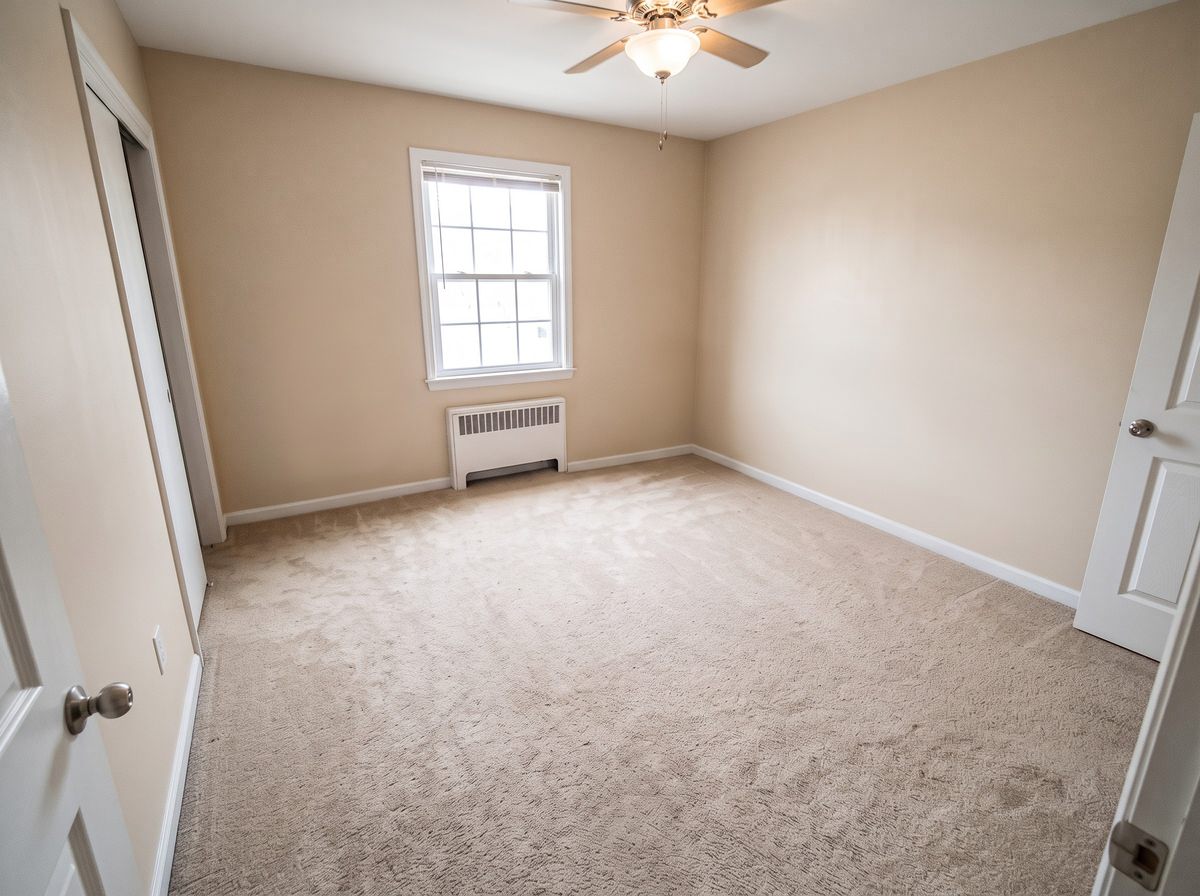

Same room, new look
How it works
- Pick a jobVirtual staging, Declutter, Redesign, Paint, Curb appeal or Backyard.
- Add a photoTake one or pick one from your library. Shoot from a corner in good light so most of the room is in frame.
- Choose and goPick the room type and a style. The result comes back in seconds, ready to save or share.
Screenshots
Guides
- What is virtual staging?How it works, what it costs and the MLS disclosure rules.
- Interior design and artificial intelligenceWhat AI does well for a room, and where it still falls short.
- Interior AI alternativesWhat to look for in an AI room design tool.
- Building an AI interior design appHow Decorous started, from the founder.
Questions
Will it change my walls, windows or floor?
No, not on purpose. Decorous is built to keep the room itself: walls, windows, doors, floors and the camera angle stay as they are, and only the furnishings change. If a redesign moves a window or door anyway, Decorous checks for that and tries again. Paint is the exception, because changing the wall color is the point.
Which styles can I choose?
Nineteen interior styles, including Modern Farmhouse, Mid Century Modern, Scandinavian, Japanese, Boho, Industrial, Mediterranean, Art Deco, Minimalist, Traditional, Shabby Chic and Cottagecore. Curb appeal and Backyard have their own sets, like Craftsman, Colonial, Cottage Garden and Desert.
Can I use the photos in a real estate listing?
Yes, as long as you follow your MLS's rules. Most ask you to say a photo is virtually staged, and Decorous can add a small "Virtually staged" label to the corner of every photo you save or share. See what is virtual staging for the disclosure rules.
Is there an Android or web version?
No. Decorous is an iPhone app. It also runs on iPad.